01
Browse folders
Use your remote to browse folders, with image and video thumbnails where available.
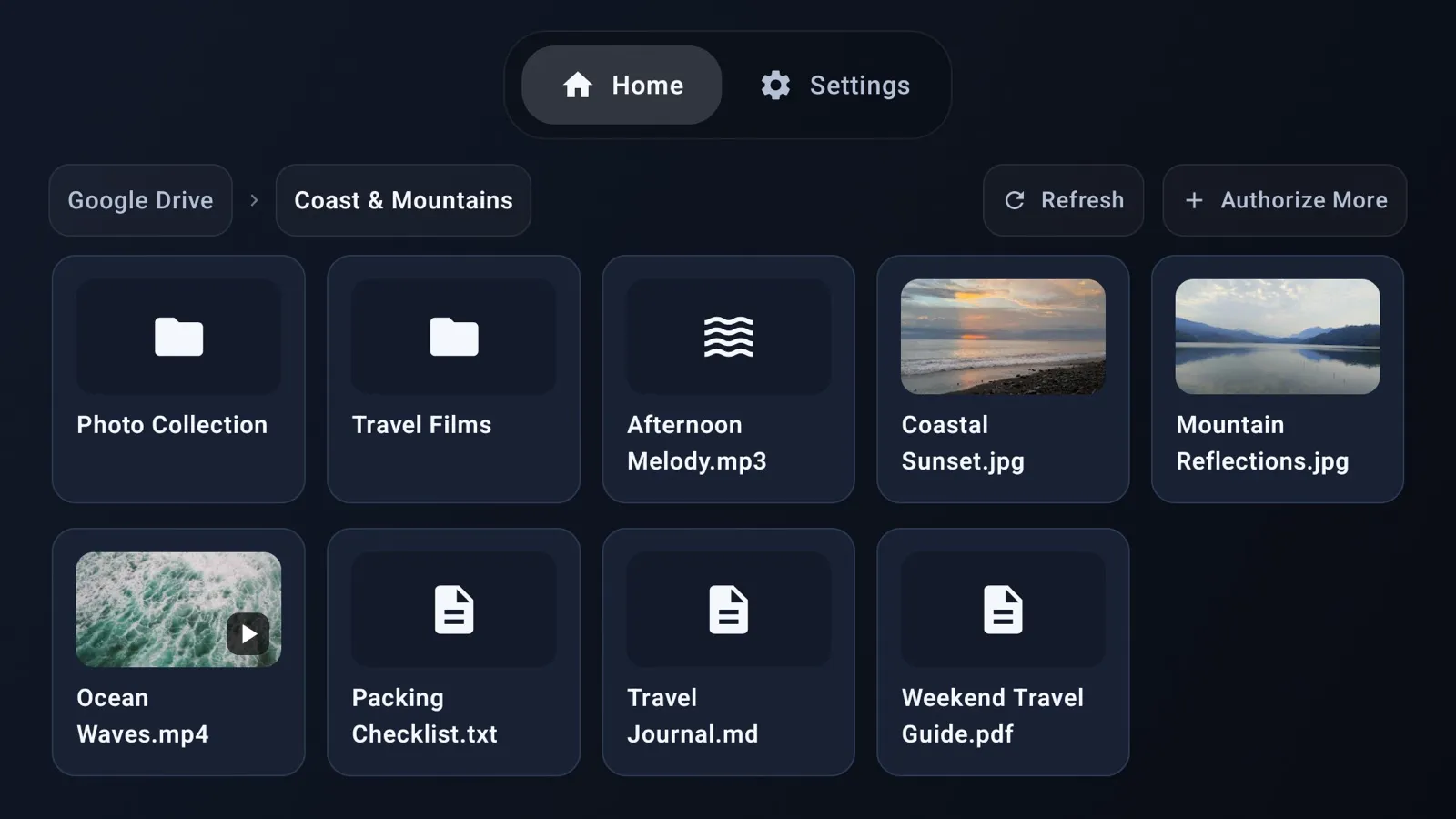
Browse your cloud, view photos, play video and audio, and read documents on Android TV / Fire TV with your remote.
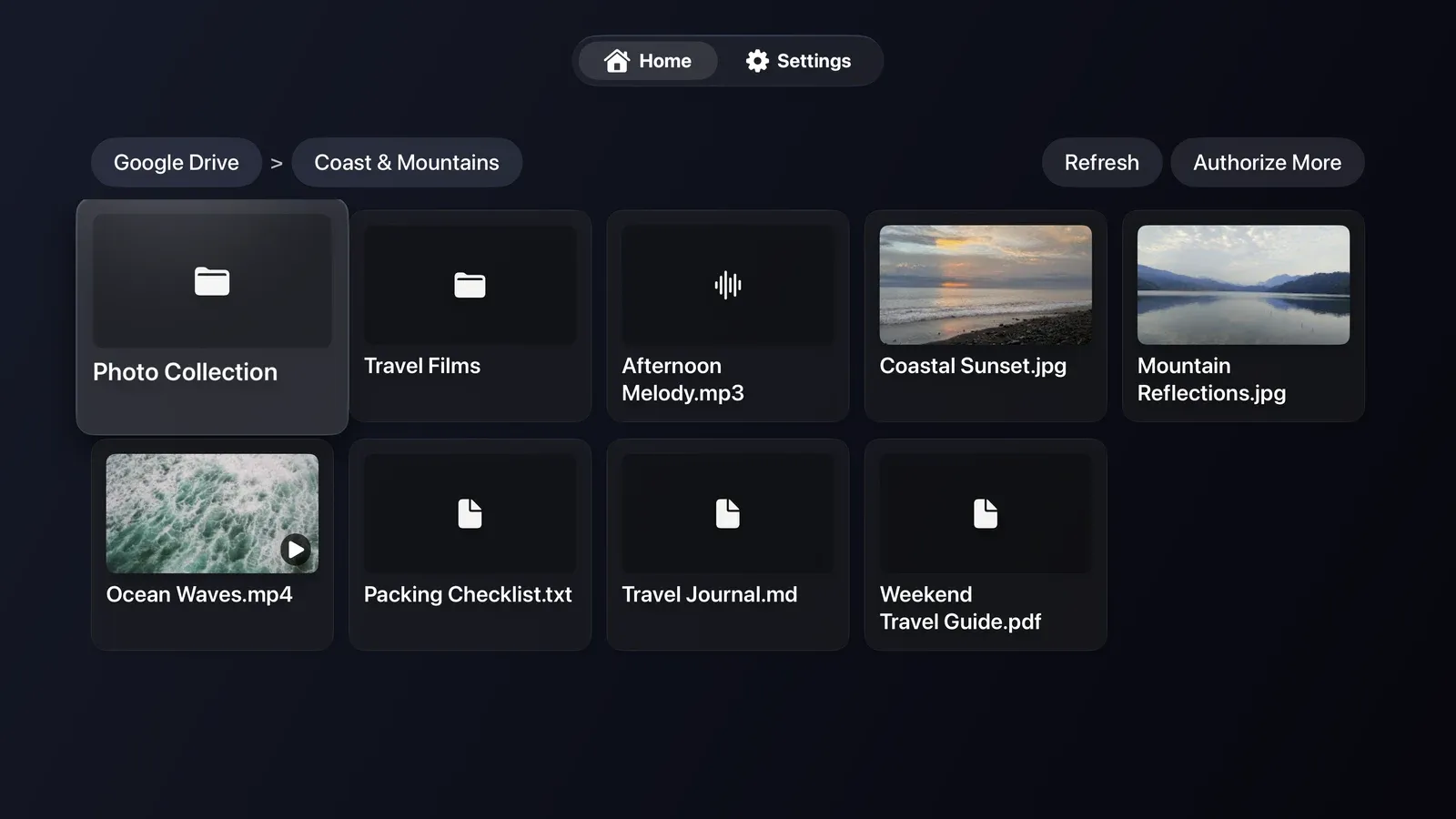
Browse your cloud, view photos, play video and audio, and read documents on Apple TV with your remote.
Android TV / Fire TV interface, shown with the Google Drive app. The Apple TV interface differs. Screenshots are in English.
Apple TV interface in English, shown with the Google Drive app.
Features
No copying files between devices. Sign in to your cloud account and open your content on your TV.
Use your remote to browse folders, with image and video thumbnails where available.
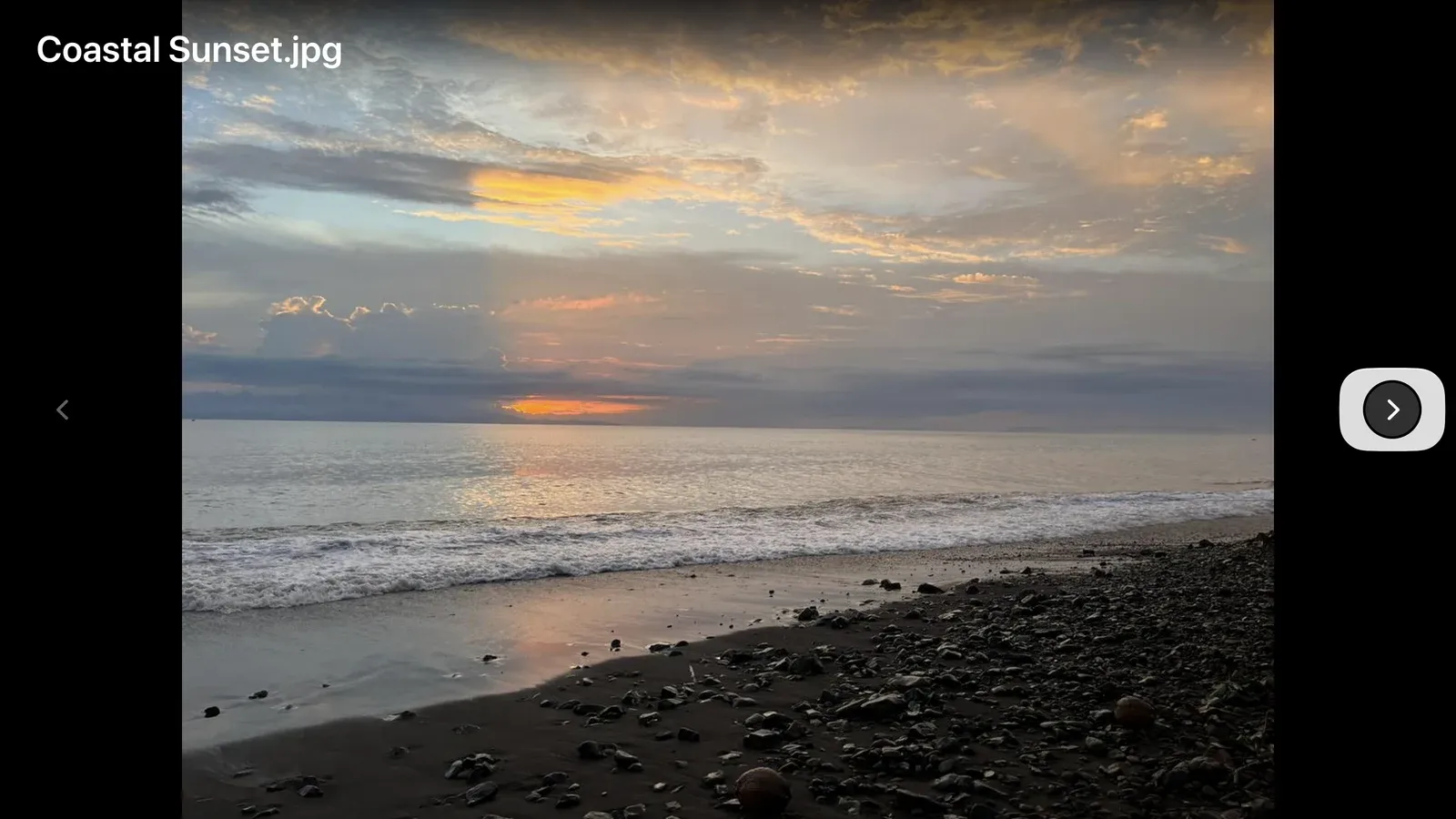
View photos on the big screen and use your remote to move between images.

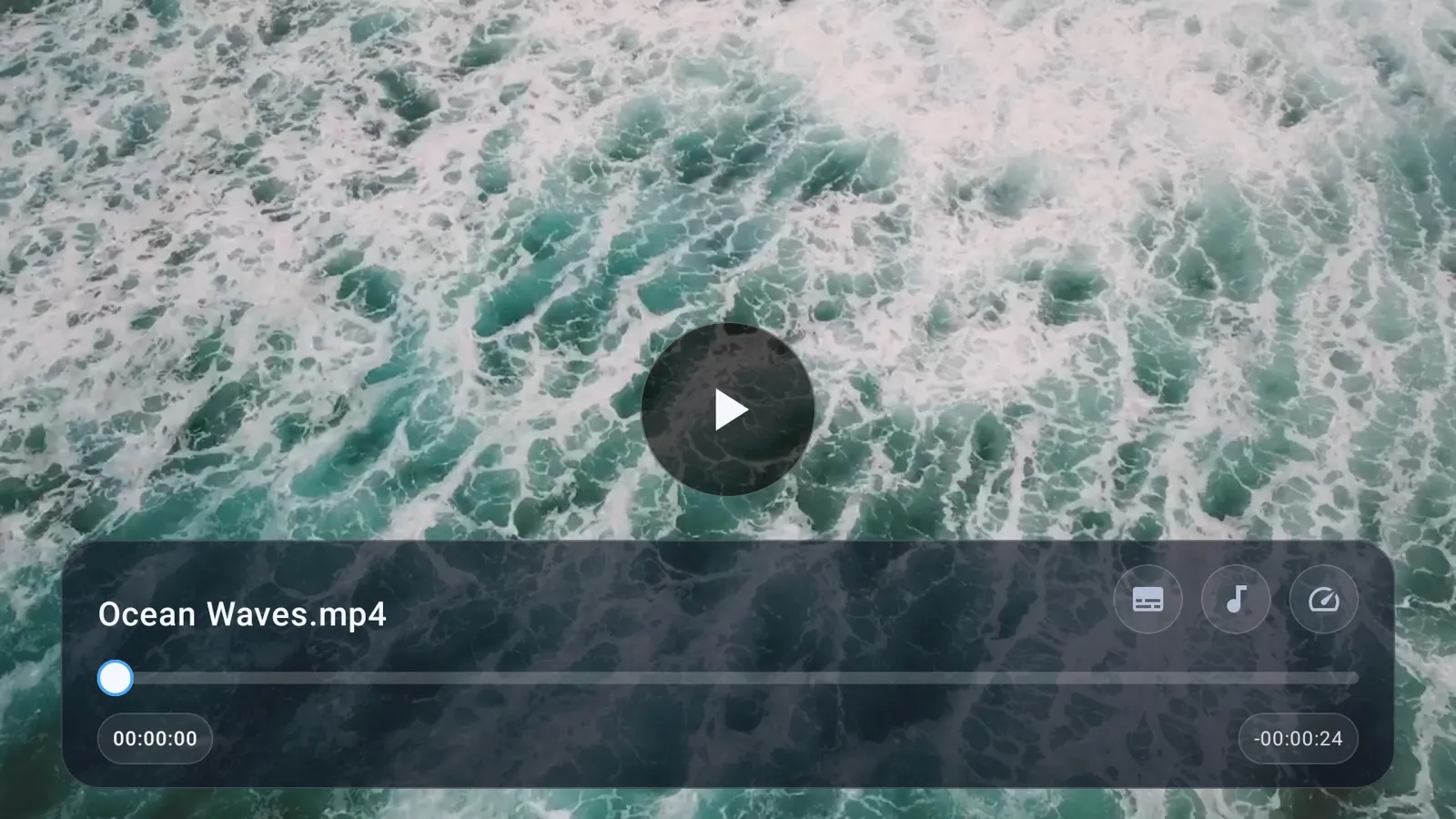
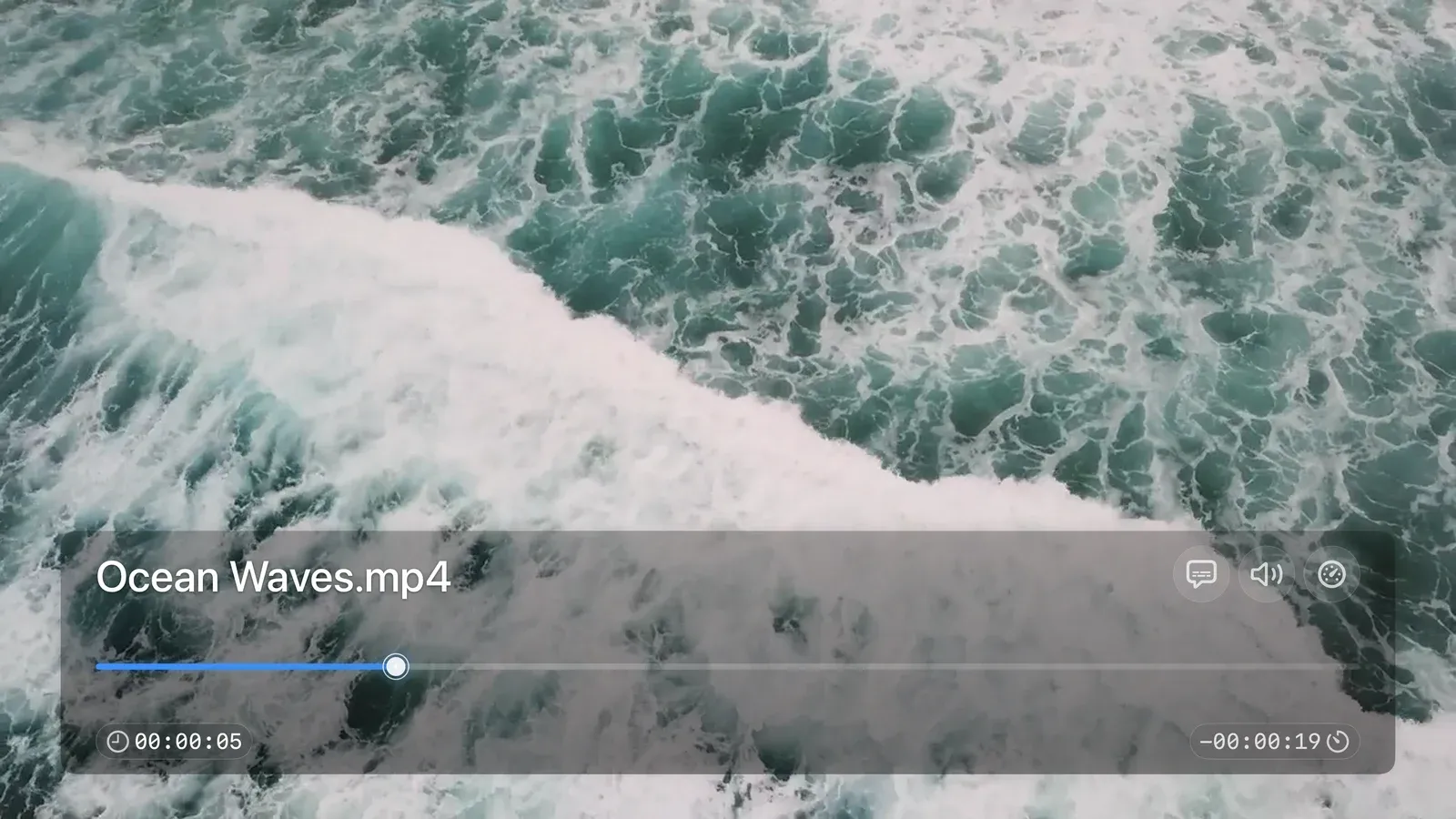
Choose subtitles and audio tracks, and adjust playback speed.
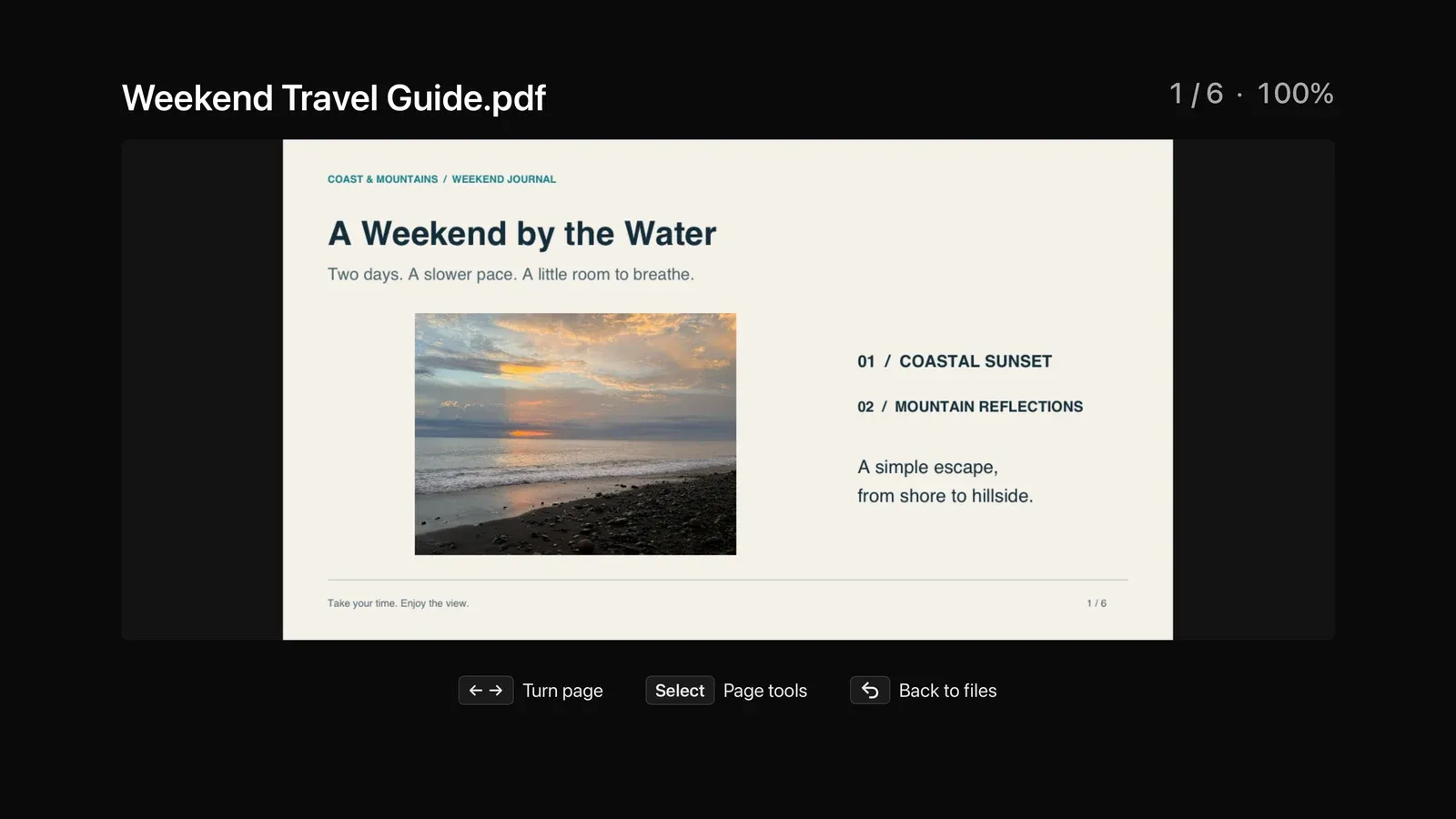
Open TXT, Markdown and PDF files and turn pages with your remote.
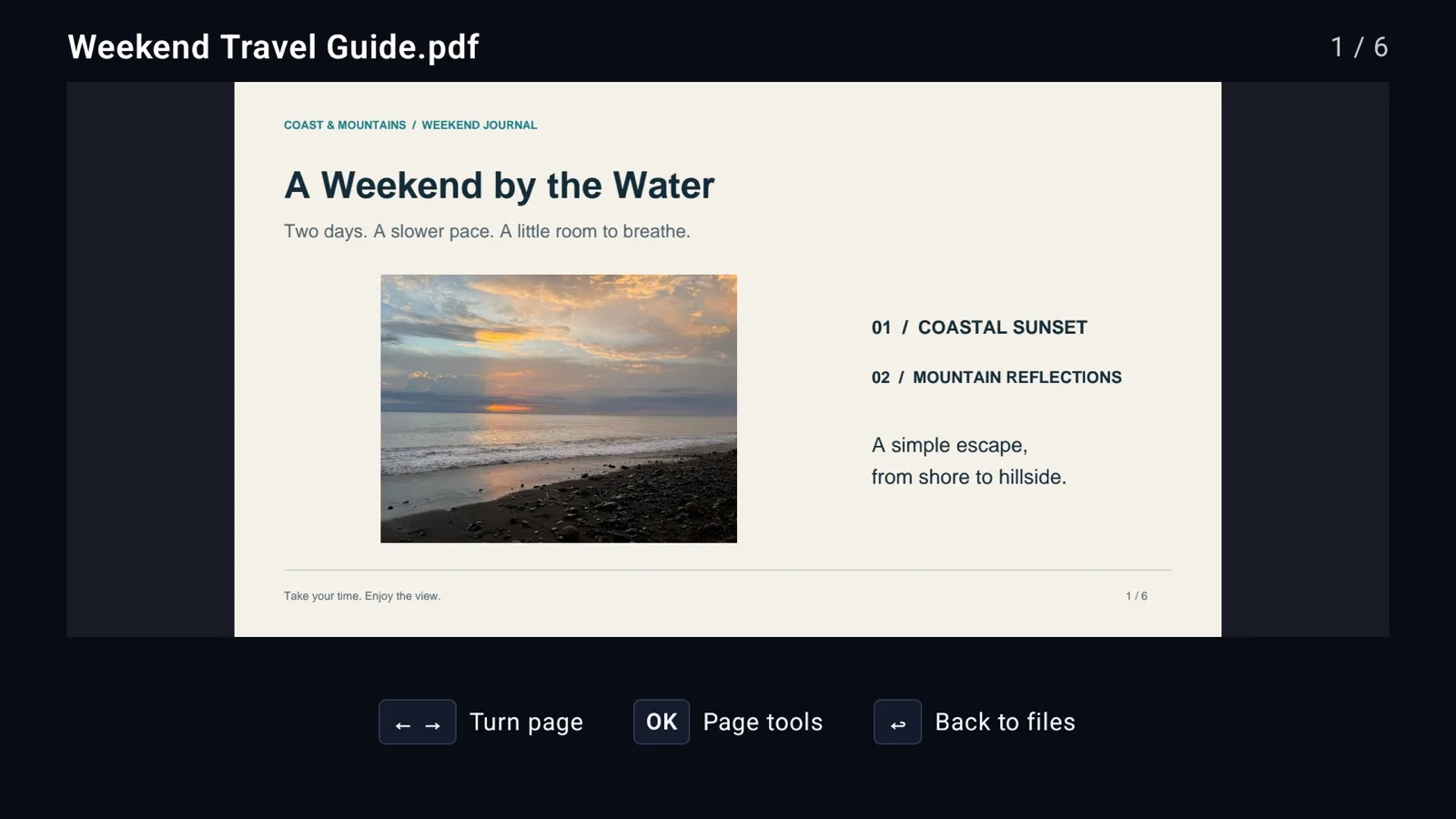
Android TV / Fire TV interface, shown with the Google Drive app. The Apple TV interface differs. Screenshots are in English.
Apple TV interface in English, shown with the Google Drive app.
Get the apps
Each cloud service has its own app. Choose the app store for your TV.


An Apple TV version for iCloud Drive is not currently available.
You can also search for the app by name in your TV's store. Access differs between cloud services. See Before you start
Getting started
Start in the TV app and follow its sign-in instructions. You do not need to authorize through this website first.
Find the app for your cloud service in your TV's app store.
Your TV will show the sign-in instructions.
Follow the on-screen steps for your cloud service.
Return to your TV and open your content with the remote.
Try each app for free. Unlock full playback with a one-time purchase. No subscription.
Browse files and view photos. Preview video and audio for 30 seconds.
Unlock full video and audio playback with a one-time in-app purchase.
Install the app for the cloud service you use. The apps offer similar browsing and playback features, but the interface differs between TV platforms.
No. TVDrive is an independent third-party client, not affiliated with, endorsed by or sponsored by Google, Dropbox, Microsoft, MEGA or Apple. Their names and trademarks belong to their owners.
No. Install the app and follow the sign-in instructions on your TV.
TVDrive for iCloud is available for Android TV and Fire TV, not Apple TV. Browse iCloud Drive files, view images, and play video and audio.
The app tries to open common video and audio files. Playback depends on codecs, subtitle formats and your TV.
Install the same app from the same store using the account that purchased it, then choose Restore Purchases on the app’s purchase screen. Use on additional TVs is subject to store rules. Each cloud app is purchased separately; purchases do not transfer between the Apple App Store, Google Play and Amazon Appstore.